Any folder is a library
Point it at a NAS, a shared disk or a local drive and scan once. The whole team searches the same library without re-scanning, and nothing has to be installed on the storage.
 Beta
BetaA sound library browser with everything you need and nothing you don't.
Search, audition, process and spot into your session. One simple compilation of the features sound editors actually use.
Point it at a NAS, a shared disk or a local drive and scan once. The whole team searches the same library without re-scanning, and nothing has to be installed on the storage.
A built-in thesaurus and the UCS category table widen the search, smart ranking puts the best hits first. Up to ten search tabs. Russian and English queries find each other's metadata.
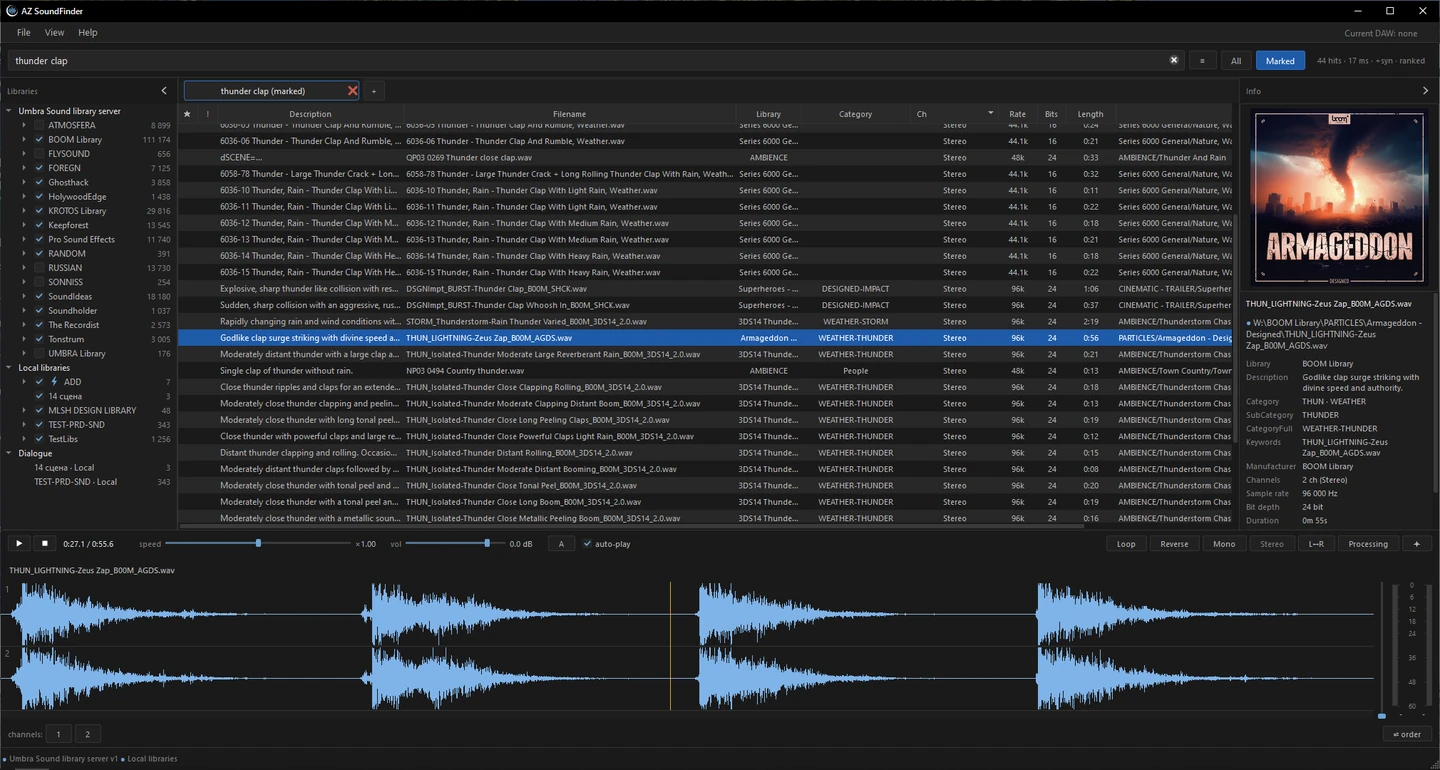
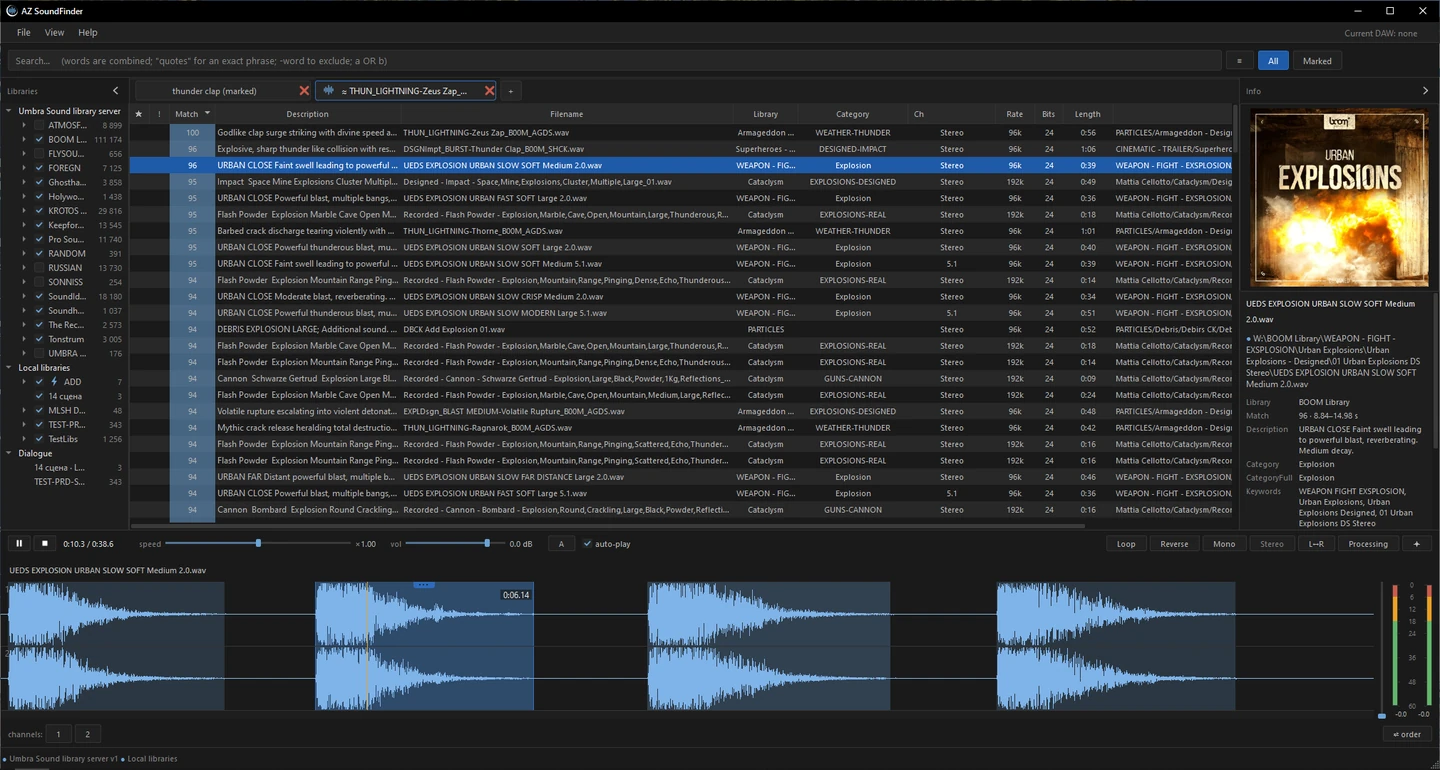
Alt+click any sound, or a region of it, and get the closest matches from the whole library, ranked by match. The matching part of every result is marked on the waveform, ready to drag. It all runs on your own machine.
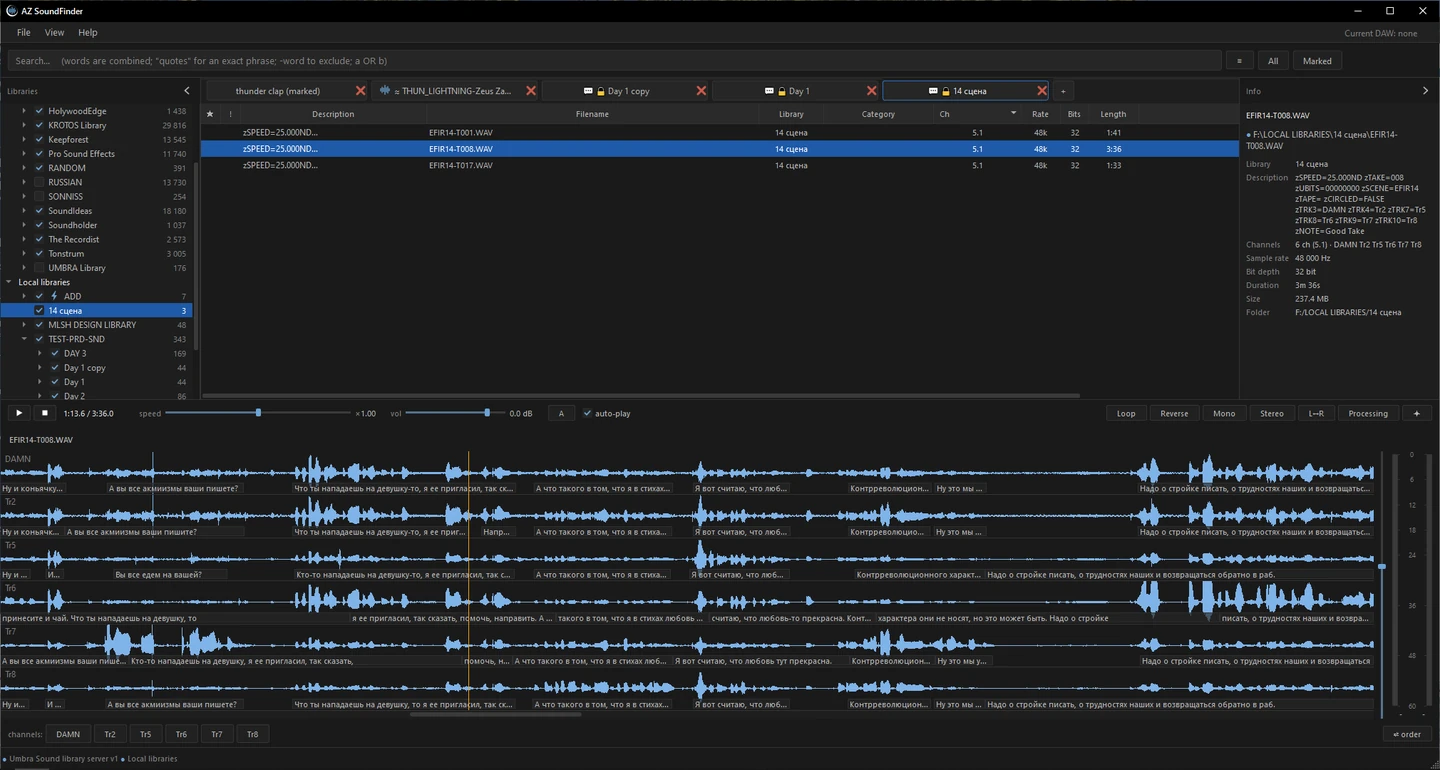
Dialogue libraries are transcribed on your PC by a built-in model. The text sits along the waveform, is searchable, and a click on a line selects it.
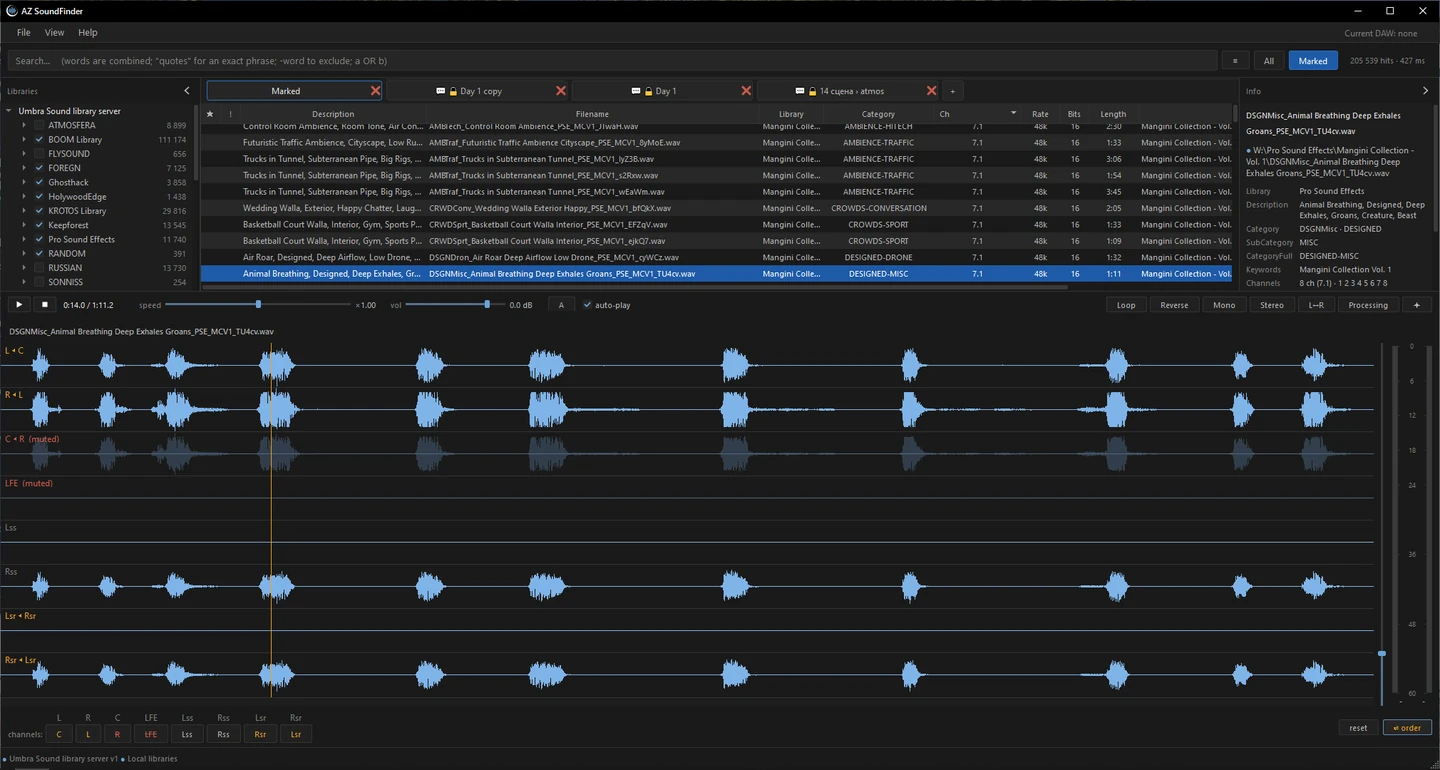
Solo and mute per channel, fold to stereo or mono with one key, swap left and right, reorder channels. Varispeed, reverse, loop and zoom in time and in level. ASIO and Windows audio.
EQ, compressor, limiter, resonance tamer, bass enhancer and transient shaper, plus a one-button Clean for noise and clicks. What you hear is what gets transferred. VST3 integration is coming later.
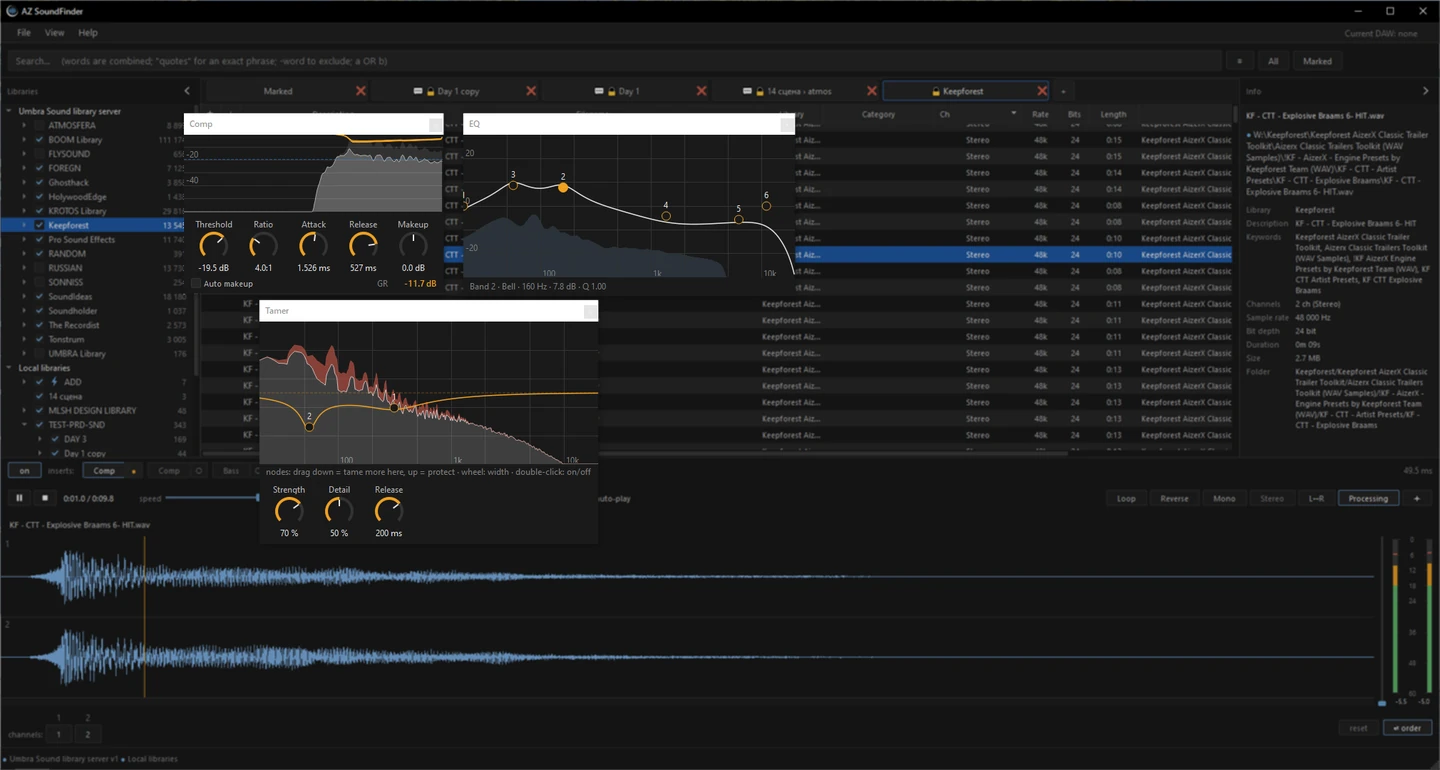

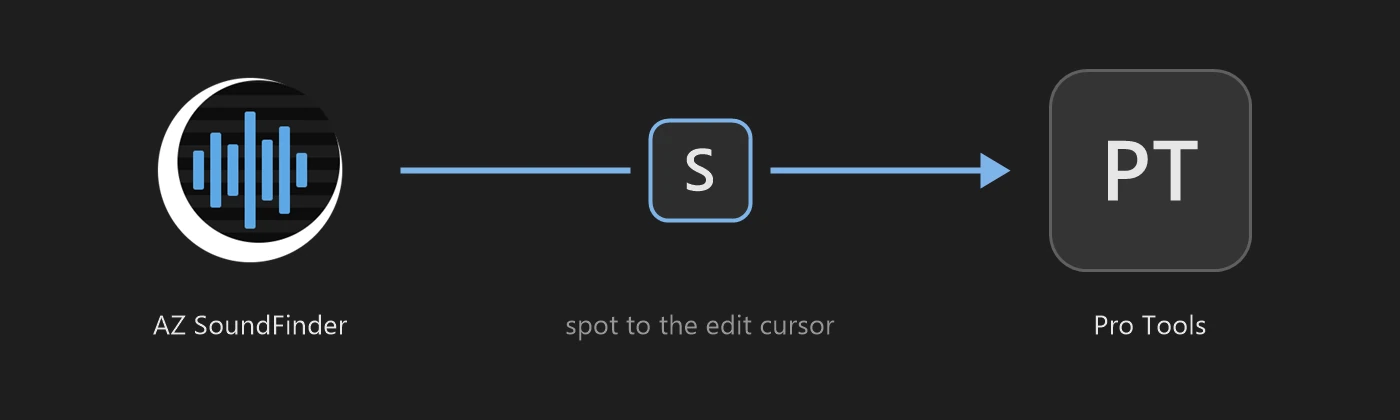
Press S to spot the file or region to the edit cursor in Pro Tools. Drag & drop into any other DAW or folder. Region, speed, channels and processing are rendered into the file on the way.
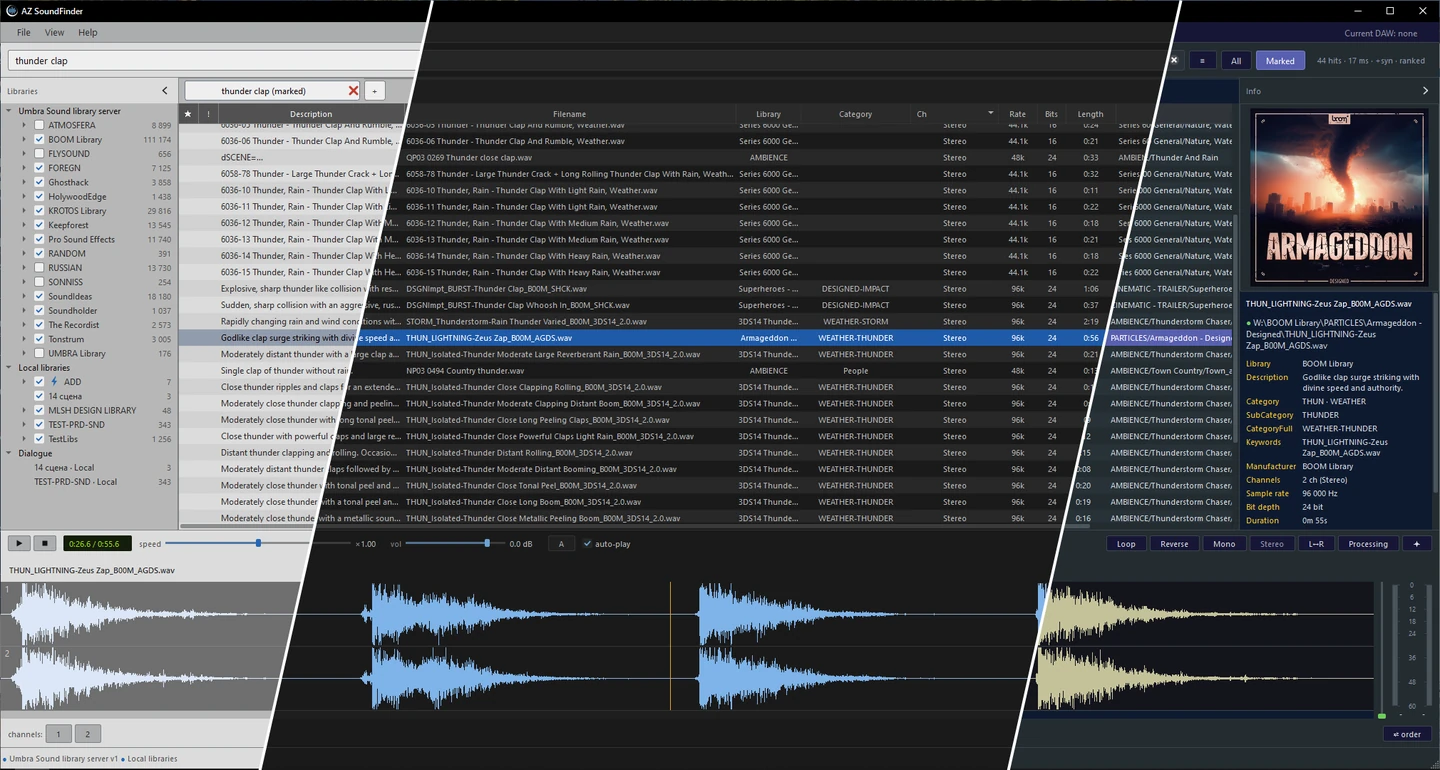
Three themes: Main, Bright and Miner. Custom themes are coming soon.
We join your schedule and stay on the picture until it locks.